Help · Safari on iPhone
Turn on RightCard in Safari
iPhone · iOS 17 and later · about two minutes, once · Updated October 9, 2026
RightCard's extension adds the offers on your bank's Offers page for you. It runs in Safari on your phone. You sign in to your bank yourself. RightCard never asks for your bank password.
Turn it on (once)
- Get RightCard and add your cards.
The extension comes with the app. There's nothing else to download.
- Open Settings, then Apps, then Safari, then Extensions.
On iOS 17 it's Settings, then Safari, then Extensions.
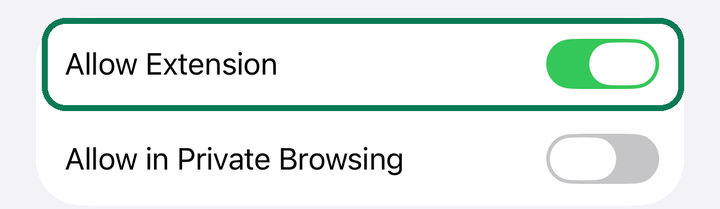
- Tap RightCard Offers Sync and turn on Allow Extension.
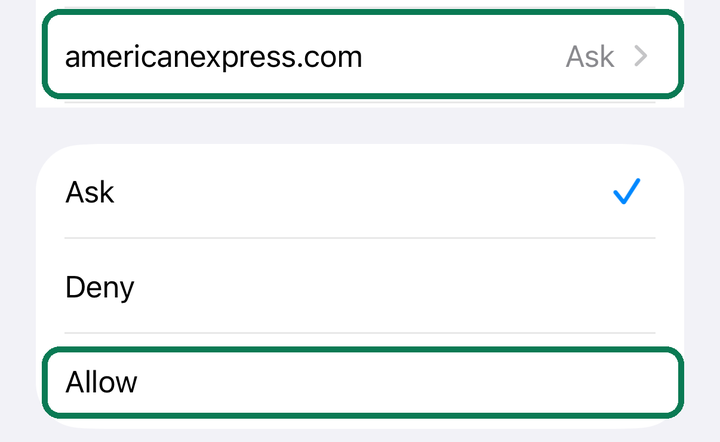
- Tap your bank's website in that list and pick Allow.
Other Websites can stay on Ask. The extension only runs on bank sites either way.
Sync your offers
- Open Safari, not your bank's app.
Sign in and go to the Offers page: Amex Offers, Chase Offers, Citi Merchant Offers or Wells Fargo Deals. Each bank's page is described in Sync and add offers, bank by bank.
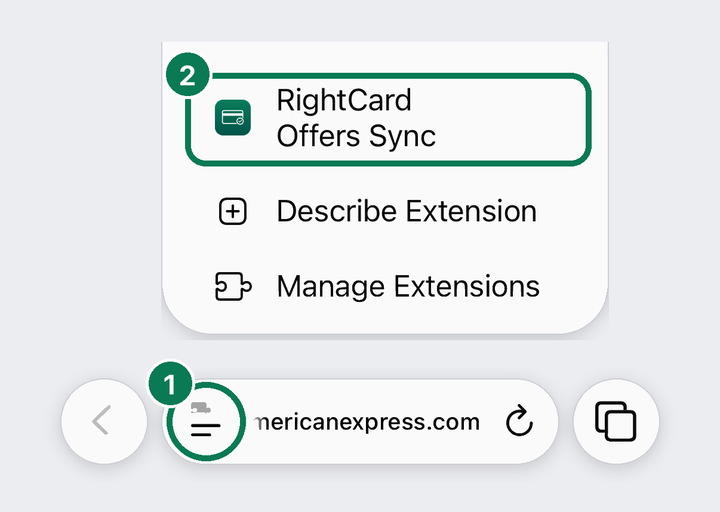
- At the bottom of Safari, tap the Page Menu button, left of the web address. Then tap RightCard Offers Sync.
Don't see it? Scroll down inside the menu.
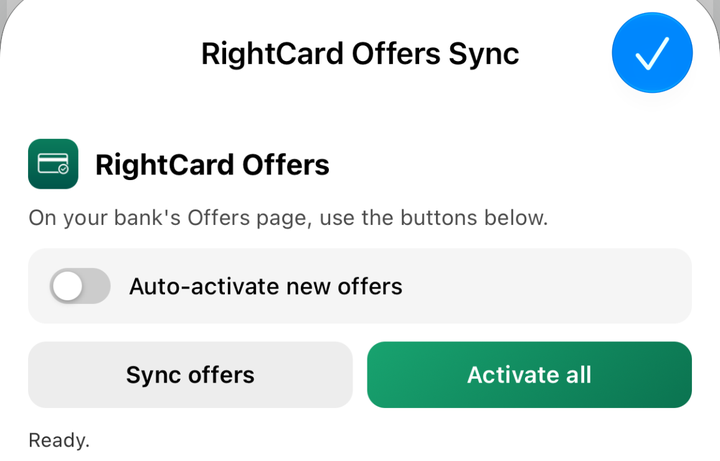
- Tap Activate all to add every offer, or Sync offers to just read them.
Keep the screen on until it finishes. Turn on Auto-activate new offers and it adds new ones each time you open the page. What each button does.
- Come back to RightCard.
The card at the top of the Auto-Add page turns green, and your offers show up on the Offers tab, sorted by card.
What happens next. RightCard uses those offers when it picks your card: search a store and an offer on one of your cards wins if it's the better deal. Expiring offers show up on Home and in your reminders.
Something not right?
The menu item is missing, nothing happens, or it stopped partway: see Fix the Safari extension.
On a computer, use RightCard for Chrome instead.
Get RightCard on the App Store
Still stuck?
Email support@rightcard.ai and say which bank and what you see on screen. A screenshot helps. A person reads every one.